For SQL Server pros working in SSMS on Windows.
SqlSage for SSMS
AI for T-SQL and everyday SQL Server work — right inside SSMS.
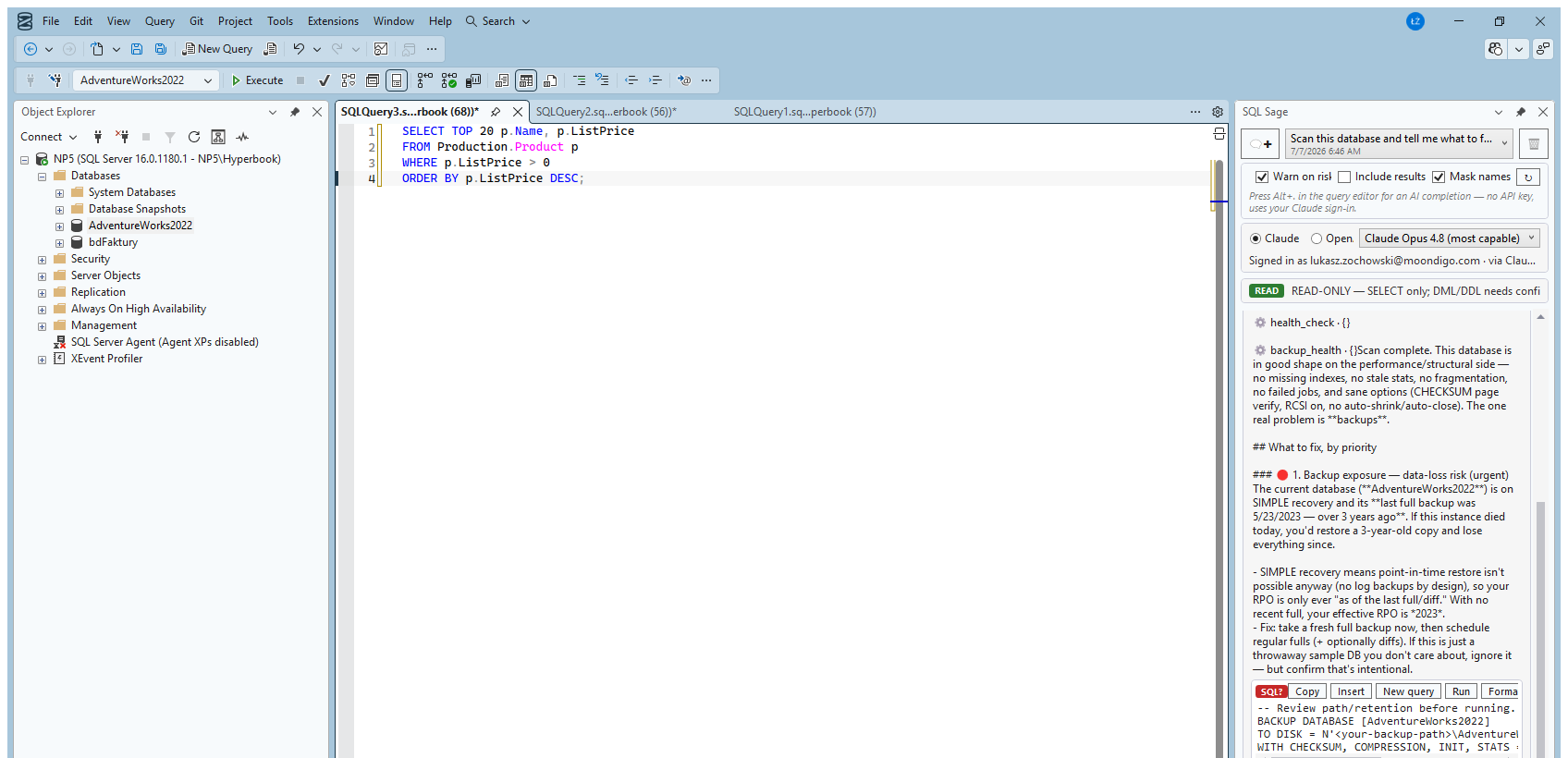
SqlSage for SSMS is for the people who spend most of their day inside SQL Server Management Studio — analysts, developers and database administrators. Instead of switching to a separate chat window and copying results back and forth, you get an AI assistant right where you already write T-SQL.
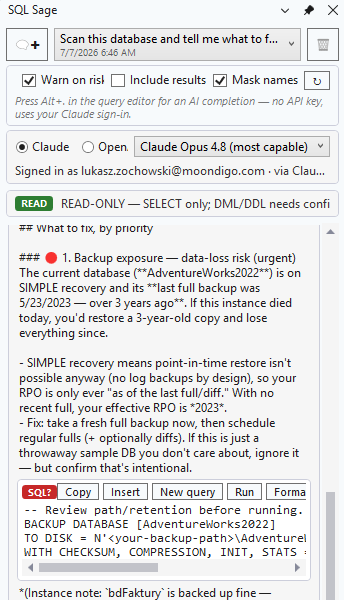
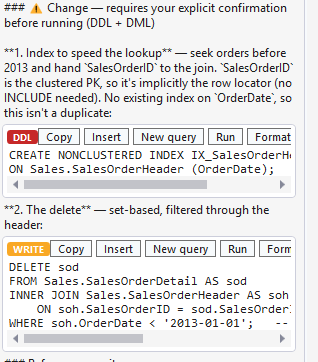
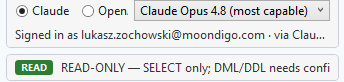
It runs keyless: you connect your own Claude, ChatGPT or Codex account, so there is no API key to buy and no second AI subscription — you pay only for the model you already use. It works read-only by default; statements that change data, and DDL, run only after you explicitly confirm them, so nothing reaches production by accident.
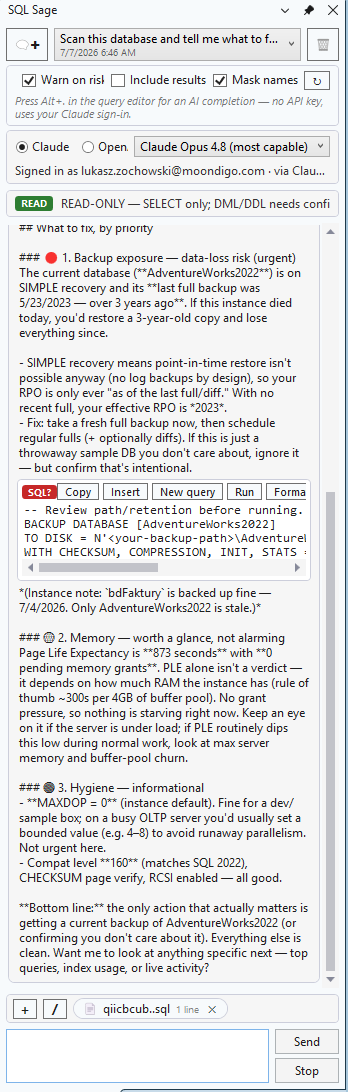
We mean privacy literally: the model receives your schema and the SQL, not the contents of your tables. That is the “prove, don’t guess” principle in practice — SqlSage grounds its answers in the real structure and values in your database instead of guessing. If you want the SqlSage product built for a Microsoft SQL Server workflow, this is the one.